What is Windows VDS?
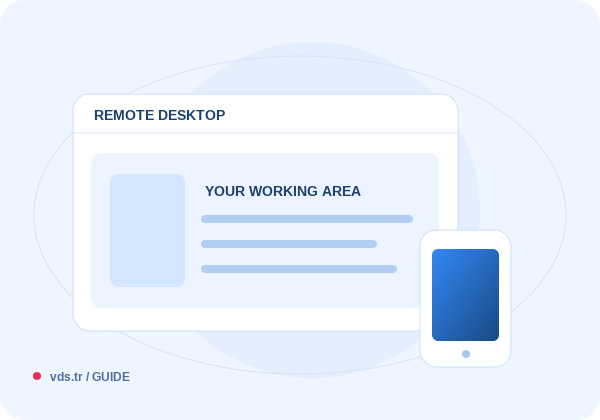
Windows VDS allows you to run your applications in a Windows environment on a remote server. RDP is the access method used to connect to this desktop. You can connect to the remote display from your own computer and work with the application installed on the server. with your computer server are separate systems; Proceed by knowing where files and applications are kept.
Accounting and daily business practices
A central working environment can be created for accounting, ERP, backoffice and development applications. Verify that the software you will use supports the server environment. Select package sources based on the application's requirement and concurrent load. A Windows VDS package does not provide licensing rights or unlimited concurrent user access for all commercial software.
Preparation before connecting
RDP connection to Windows VDS step by step →
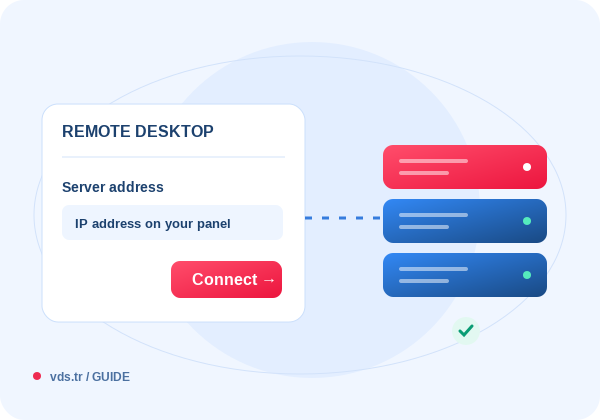
Once the service is installed, use the access information shared on the panel. Server address, username and correct password are required. Check the address carefully when choosing the target server in your connection application; Do not ignore unexpected connection and identity warnings. Vds.tr desktop options are offered with trial Windows installation; Windows license is not included in the package.
Protect remote access
Use strong and unique passwords, up-to-date system and limited access rules. Instead of leaving the admin link public, you can use it to suit your needs. VPN and consider the private network option. Check allowed users regularly and turn off access for people who quit. Keeping data on the server also does not eliminate the need to make a backup plan.
Example: accessing accounting from different places
When you want to work with the same accounting application in the office and while traveling, learn the centralized installation model that the application supports. Create separate access patterns for authorized persons; Don't make it normal for everyone to share the same password. Verify concurrent use and application licensing with your software provider. Also take into account that your remote working experience will be affected if the internet connection is interrupted. After installation, try daily operations such as opening reports, creating and exporting records. If a VPN or private network is required for secure access, consider this without leaving it separate from server selection.
Preparation to avoid problems with RDP connection
To establish a connection, the server must be accessible, remote desktop settings must be appropriate, and your account must be authorized to connect. Incorrect address or user information may cause connection error. First check the information on the panel; Instead of changing random settings repeatedly, distinguish whether the error is caused by the connection, authorization, or application. Do not openly share sensitive information in a support request.
Organizing your work environment from the first day makes subsequent work easier. Determine which folder the files will be kept in, who will use which applications, and the backup pattern. Test needs such as using files or printers from your local computer; Don't assume these will work the same on every client and application. Try basic workflows before opening the server to the team. Separately verify the scope of application and access licenses with the relevant providers.
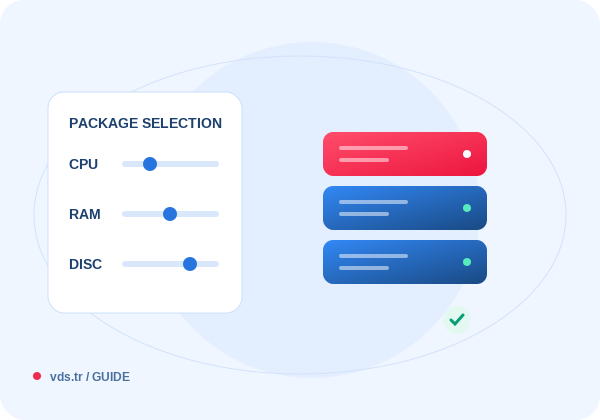
Compare Windows desktop VDS packages
Check out the options related to this article with their current prices. Evaluate resources according to the needs of your own application.
Current packages and prices are loading…
Curiosities
If I shut down my computer, will Windows VDS shut down too?
Turning off the remote desktop connection does not in itself mean turning off the server. How the application works when the session is closed depends on the application and session settings.
What Can You Do with a Windows VDS and RDP?
Windows VDS allows you to run your applications in a Windows environment on a remote server. RDP is the access method used to connect to this desktop. You can connect to the remote display from your own computer and work with the application installed on the server. Your computer and the server are separate systems; Proceed by knowing where files and applications are kept.
Where can I see current packages and prices?
You can compare live packages and supported payment periods on the relevant product page. Current price and availability are checked again before ordering.
Source and scope
Microsoft: Remote Desktop connection and access requirements ↗
This guide has been prepared by the VDS.tr Publishing Team to assist in service selection. Current product scope on the relevant service page, service provider and broadcast method on the resources page you can review. Source selection and security steps vary depending on your application.
VDS purchasing steps · Data center infrastructure · Business email