First determine what will run on the server
If you are buying a server for the first time: What is VDS? →
buy VDS Not everyone's needs are the same. A company's accounting application, a developer's testing environment, and a heavily visited website use different resources. Your first step is to write the name of the application, the operating system it supports and the number of people to connect at the same time. This way, you can compare the options suitable for your project instead of choosing a package based only on price.
CPU, RAM and disk are evaluated together
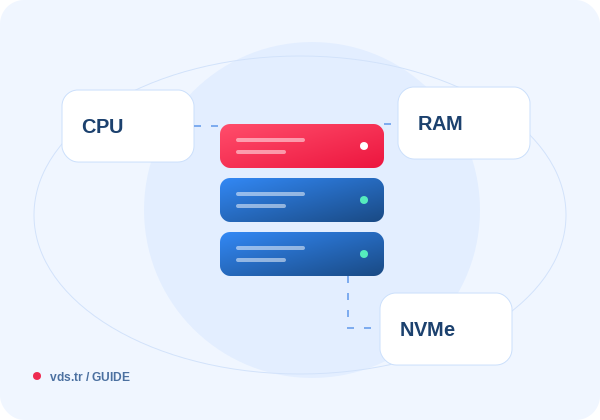
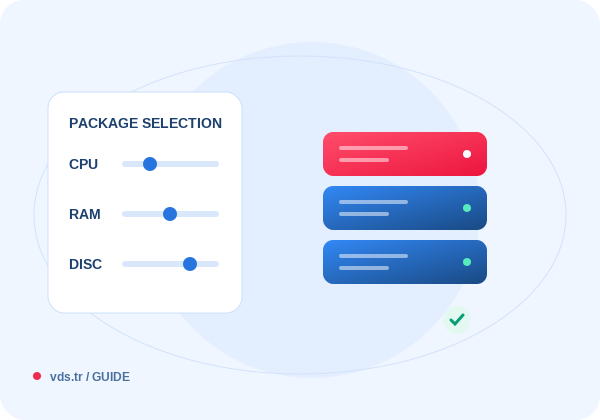
The processor is the computational load of the application, RAM The disk represents the running processes and the disk represents the files and database. A high-memory package does not have to be faster on every operation. For storage, don't just count today's files; Leave room for updates, logs, and data growth. If you have an existing system, measuring resource usage during peak hours gives a more solid start than guessing.
Read about the services included in the package
When comparing the VDS rental price, check the payment period, VAT status, traffic conditions and operating system options. A managed server and a team maintaining your application are not the same service. Also review backup, software installation and licensing coverage. Do not overlook the difference between a trial installation and a license-included offer in Windows desktop packages.
Verify your selection before ordering
You can compare live packages on vds.tr and see alternatives that meet your needs with the source selection tool. The recommendation is not a guarantee of capacity; The actual load of your application is decisive. Once you complete your cart, continue with the updated price and availability check. If you are unsure, contacting the sales team with your app and number of users will reduce the chance of choosing the wrong source.
Example: moving company application
Imagine you want to move a company application from an office computer to a server. First obtain the server requirements from the software provider. List the size of the database, people working at the same time, and the remote access method. Then separate the packages that support the operating system. Sharing this list with the sales team is just a matter of “which server should I buy?” It provides a clearer evaluation than asking. Work with testers in the new environment; Do not shut down the old system without verifying that the data is up to date and basic operations have been completed. Include transition time, return option, and first-day support needs in your plan.
What information should you have before ordering?
True VDS You do not need to prepare a long technical document for its selection. A good start is to gather your app's name, operating system, size of your data, and hours of use. For a new project, if you don't know these yet, ask the software developer for the minimum requirements. If you're switching from the current system, include measurements taken during peak hours. The package recommendation thus derives from a general estimate based solely on the number of users.
Who will manage the server is also a determining factor in the purchasing decision. If your team will be responsible for installation, updating, application maintenance and backup, allocate time for these tasks. If you want support, ask which operations are included in the service. Providing server access and undertaking the day-to-day management of your application are different scopes. Explaining your needs from the beginning will help you find the right offer faster.
Compare Turkey VDS packages
Check out the options related to this article with their current prices. Evaluate resources according to the needs of your own application.
Current packages and prices are loading…
Curiosities
Can I use VDS immediately after purchasing it?
Start-up time depends on payment and order confirmation, stock and installation process. When the server is ready, you can check your access information from the customer panel.
What to Check Before Buying a VDS Server
Not everyone who wants to purchase a VDS has the same needs. A company's accounting application, a developer's testing environment, and a heavily visited website use different resources. Your first step is to write the name of the application, the operating system it supports and the number of people to connect at the same time. This way, you can compare the options suitable for your project instead of choosing a package based only on price.
Where can I see current packages and prices?
You can compare live packages and supported payment periods on the relevant product page. Current price and availability are checked again before ordering.
Source and scope
This guide has been prepared by the VDS.tr Publishing Team to assist in service selection. Current product scope on the relevant service page, service provider and broadcast method on the resources page you can review. Source selection and security steps vary depending on your application.
VDS purchasing steps · Data center infrastructure · Business email