There is no one right package for everyone
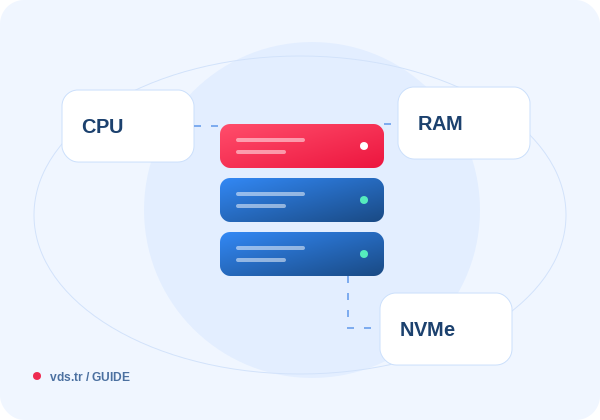
A number of visitors or users alone does not tell you the exact RAM requirement. The structure of the application, database queries, and concurrent operations change the outcome. Accept the software provider's minimum requirements as a starting point; Please note that these values do not guarantee comfortable operation under heavy use.
Consider website and database together
Only page files will not work in the web application. Database, background tasks, and cache can also consume resources. Having visitors log in or create reports at the same time can increase the load. If you are migrating, take note of the memory usage, processor density and occupied disk space on the current server on different days and times.
Center software for accounting and ERP
When installing an accounting or ERP application, the supported operating system, database version, and concurrent operation requirement are important. Write separately the number of employees and the number of active users at the same time. Large reports and backup operations can create a different load than daily use. If access from desktop is required Windows VDS Also consider your options.
Leave room for growth on the disk
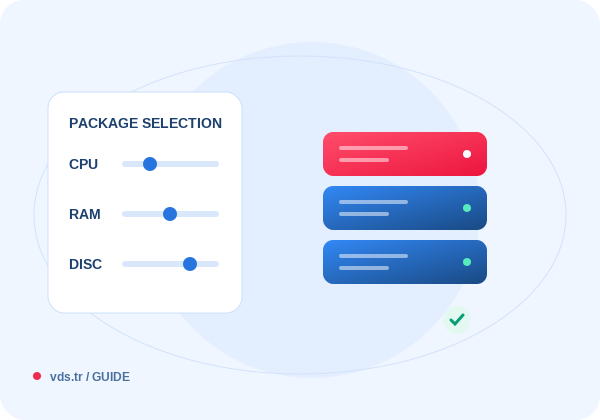
Besides file size, space is required for the database, application updates, and logs. A copy kept on the same server alone is not considered an independent backup plan. Determine separately the capacity need and where the backups will be stored. In the source selector changing the values makes it easier to find packages; Monitoring in actual use and re-evaluation as necessary should continue.
Example: an application that generates reports
An application that uses few resources during the day may have difficulty generating batch reports in the evening. If you choose a package just by looking at the idle usage screen, you may miss this intensity. Observe processor, memory and disk usage at the time the report runs. If the memory limit is not reached but the processor remains busy for a long time, you may not only need an increase in RAM. Also examine the software's queries and scheduled tasks. Evaluating application-side improvement options before upgrading resources will help you use your budget more efficiently. Take note of the measurements and share them with the technical team.
Find your sourcing needs with a small measurement plan
Don't limit measurements to just one screenshot. Examine how usage varies during normal work, rush hour, and scheduled tasks. If you have multiple applications running at the same time, consider the total consumption. It is important to distinguish between short-term spikes and sustained high usage. A slow application does not always mean a lack of RAM; disk operations, connection or software side should also be examined.
Also note data growth in the capacity plan. The database, which is small today, can grow over time with records, additional files and logs. The length of time you keep old files and your backup method affect disk requirements. Before choosing a package, determine which data will be kept on the server and which will be kept in a separate backup location. If you can't measure, use the recommendation wizard for an initial evaluation and review the resources again after usage begins.
Compare Turkey VDS packages
Check out the options related to this article with their current prices. Evaluate resources according to the needs of your own application.
Current packages and prices are loading…
Curiosities
Does more RAM always mean faster server?
No. Performance is affected by the processor, memory, disk, connection and how the application works. It is more useful to decide by measuring which resource constitutes a boundary.
How Much CPU, RAM and Storage Does Your VDS Need?
A number of visitors or users alone does not tell you the exact RAM requirement. The structure of the application, database queries, and concurrent operations change the outcome. Accept the software provider's minimum requirements as a starting point; Please note that these values do not guarantee comfortable operation under heavy use.
Where can I see current packages and prices?
You can compare live packages and supported payment periods on the relevant product page. Current price and availability are checked again before ordering.
Source and scope
This guide has been prepared by the VDS.tr Publishing Team to assist in service selection. Current product scope on the relevant service page, service provider and broadcast method on the resources page you can review. Source selection and security steps vary depending on your application.
VDS purchasing steps · Data center infrastructure · Business email