What is VDS?
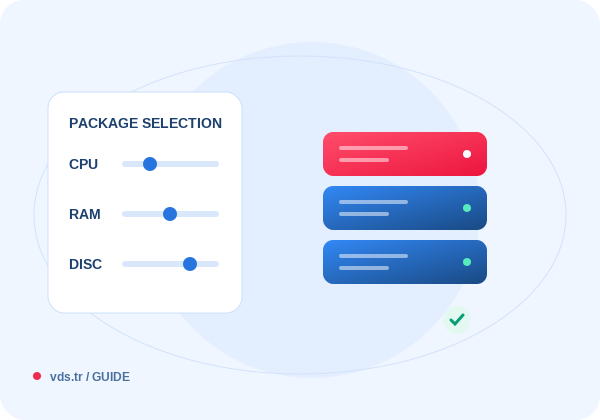
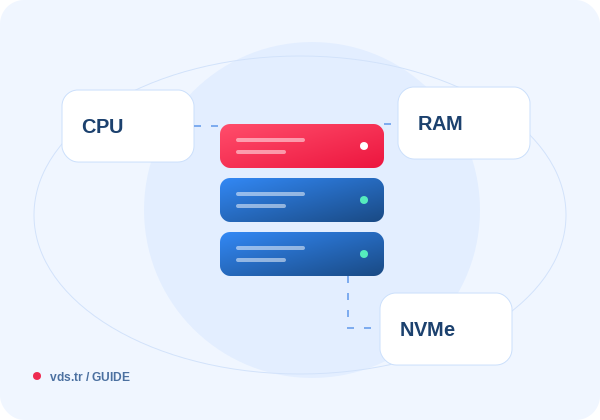
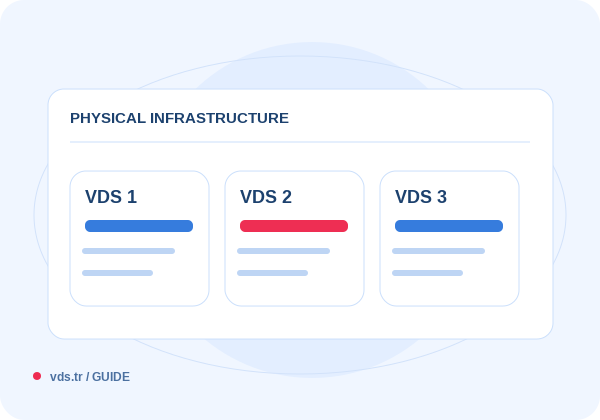
VDS stands for Virtual Dedicated Server. It is a virtual machine with its own operating system, created on a physical server . Your plan’s CPU, RAM and storage resources let you run your applications without buying physical hardware. You use the resources included in your chosen plan for its billing period.
What does the server do?
A server is a system that makes an application or service accessible to users. Website, API, database and company applications can run on the server. Which software can be installed depends on the operating system, resources and terms of service. For example, an accounting application that requires a Windows desktop does not have the same installation needs as a Linux-based web service. Determining your application first makes product selection easier.
How to evaluate the difference between VDS and VPS?
The names VDS and VPS may be used by service providers for different product families. Don't assume that the processor is physically reserved for you or that certain performance is guaranteed just by looking at the product name. Review the virtualization method, processor allocation, RAM, disk and connection conditions. The tangible resources and scope of services available to you are more descriptive than the label. The same source figures are not expected to yield the same results in every application.
When should VDS be considered instead of hosting?
Read the comparison of hosting and VDS →
For a standard promotional site or WordPress project hosting may be suitable. If you want to set up a special service, change system settings, or use operating system administrative access, consider VDS options. This control also brings greater management responsibility. Determine who will handle updates, access permissions, and backups. Don't choose a service type based solely on the number of visitors or low starting price.
What should you compare when choosing a cheap VDS?
Cheapest VDS When searching, compare packages that meet your needs. Total monthly or annual payment, VAT status, licenses and additional services should be evaluated together. Low price alone does not mean sufficient resources; Unnecessarily large packages can also increase your budget. Measure your current usage or ask your software provider for requirements. You can see the available resources and supported periods in the vds.tr live catalogue.
Example: selection for your first company app
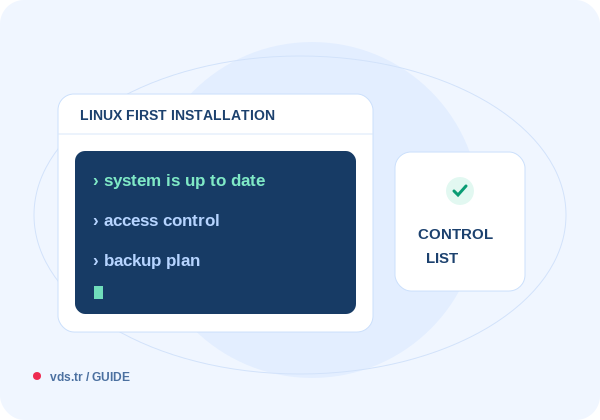
Imagine your company will be using a stock application remotely. First find out whether the software requires Linux or Windows. Take note of the number of concurrent users, data size, and peak processing hours. The access needs of the application used from the web browser and the program opened via the remote desktop may be different. After determining the source and connection method, compare the appropriate packages. Once the installation is complete, test daily operations; Do not shut down the old system before the tests are completed.
Final check before purchasing
The terms VDS purchase and VDS rental often refer to seasonal server service. Read how much you will pay in the period you choose, renewal conditions and transactions included in the service. If a Turkey location is required, verify this in the catalogue. Consider your application's license and administrative support separately. If you are unsure, share the name of your application and your list of requirements with the sales team. This way, you can make comparisons based on your project instead of a general server recommendation.
Compare Turkey VDS packages
Check out the options related to this article with their current prices. Evaluate resources according to the needs of your own application.
Current packages and prices are loading…
Curiosities
Do I need to purchase a physical server to get VDS?
No. VDS is a server service. You work with the resources included in your package; Purchasing a physical device and hosting are different processes.
What Is a VDS Server and What Is It Used For?
VDS is the abbreviation of Virtual Dedicated Server. It refers to a server service that is created through virtualization on a physical server and can be used with its own operating system. You can run your applications with the processor, RAM and storage resources specified in your package. You access the server environment without purchasing a physical device. You don't own all the hardware; Your right to use is defined according to the service scope and payment period you choose.
Where can I see current packages and prices?
You can compare live packages and supported payment periods on the relevant product page. Current price and availability are checked again before ordering.
Source and scope
Red Hat: What is a virtual machine? ↗
This guide has been prepared by the VDS.tr Publishing Team to assist in service selection. Current product scope on the relevant service page, service provider and broadcast method on the resources page you can review. Source selection and security steps vary depending on your application.
VDS purchasing steps · Data center infrastructure · Business email