
 Turkey · Kocaeli
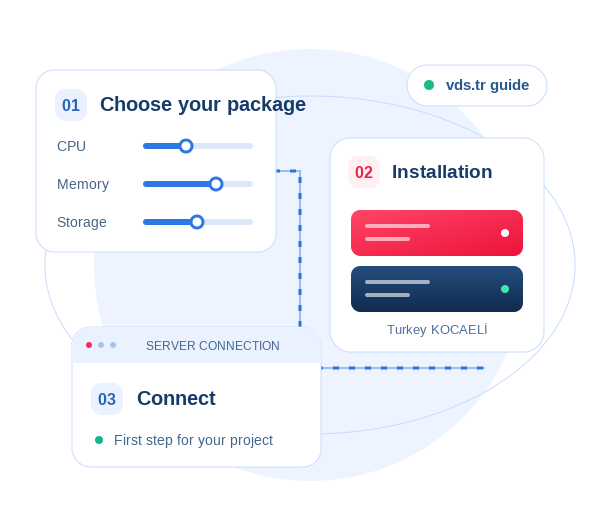
What steps are followed to purchase VDS?
First determine the resource and operating system needs of your application. Compare Turkey location packages; Complete the order via İsim Kayıt by checking the period, license and additional services. After installation, prepare access, security and backup settings.
Verify operating system, licensing, management and backup coverage before ordering. Re-check the payment period you selected and the final amount including VAT on the official order screen.
First define your project.
Write down your website, application, database or remote desktop needs. Determine the system requirements, number of users and available data size of the software you will use. Clarify whether you or your technical team will take over the management.
Compare sources together.
Evaluate the processor based on processing load and the memory needed by the software and concurrent processes. Leave space on the disk for the operating system, application, data, logs, and growth. In addition to NVMe/Flash Storage capacity, also examine traffic and connection conditions.
Select the operating system and license.
Check the Linux distribution or Windows Server version your app supports. Verify on the order screen whether Windows, control panel and other software licenses are included in the package and their additional costs.
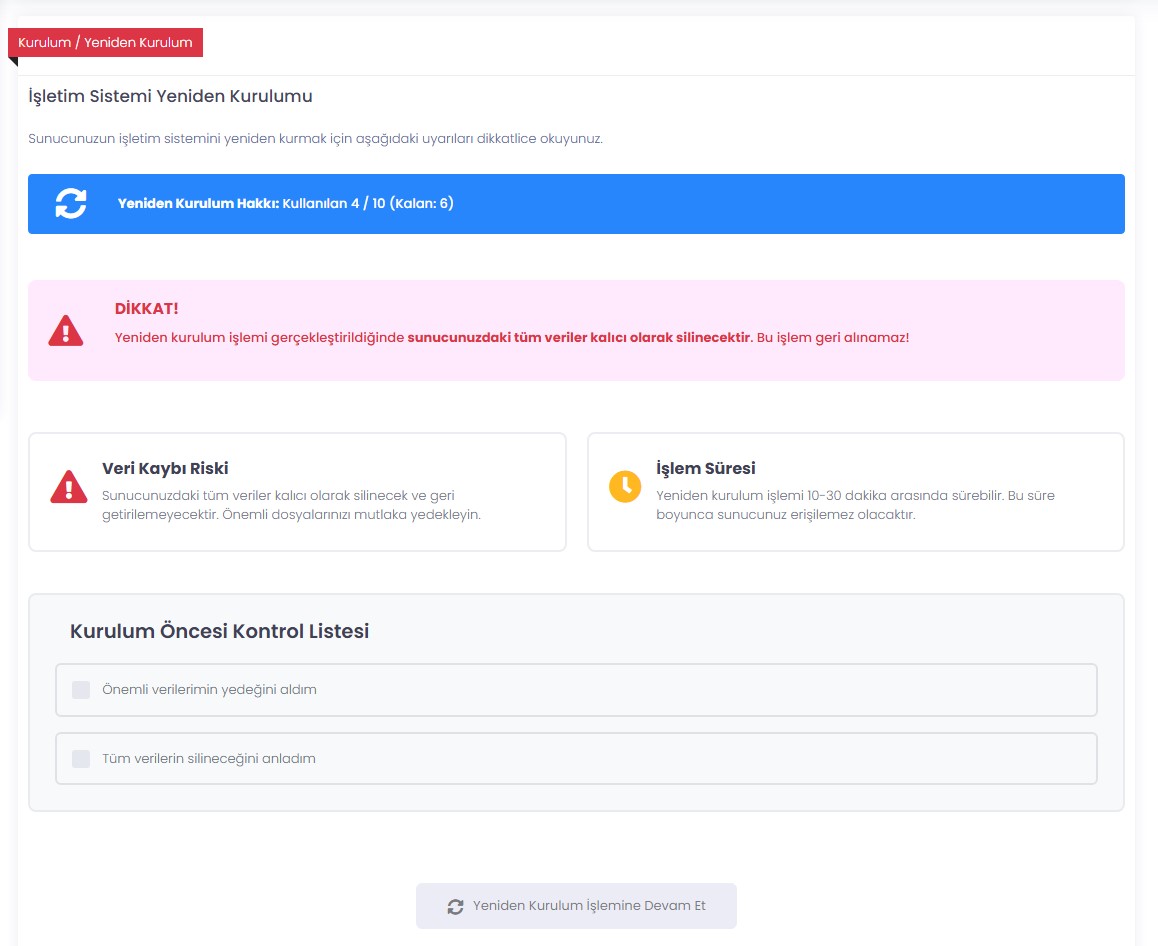
Complete the order at İsim Kayıt.
Select the package and payment period on vds.tr. After the redirection, re-check the product, Turkey location, operating system, period, license and additional services on the İsim Kayıt order screen. Complete the customer information and payment steps on the official screen.
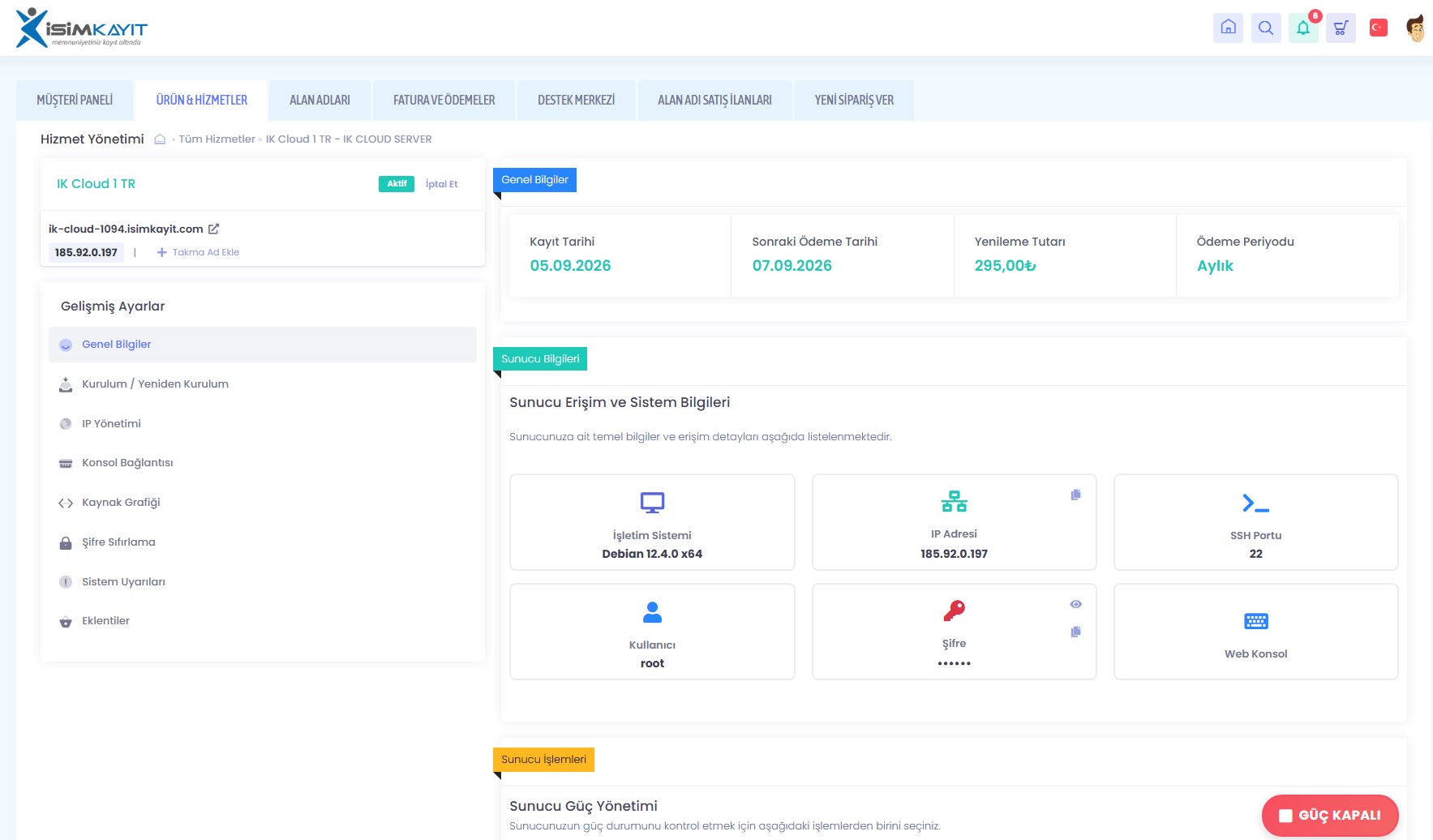
Get your access information securely.
After order and payment confirmation, follow the installation status from the İsim Kayıt customer panel. Server Once ready, check the IP address and access method. SSH for Linux, for supported Windows environments remote desktop connection is available.
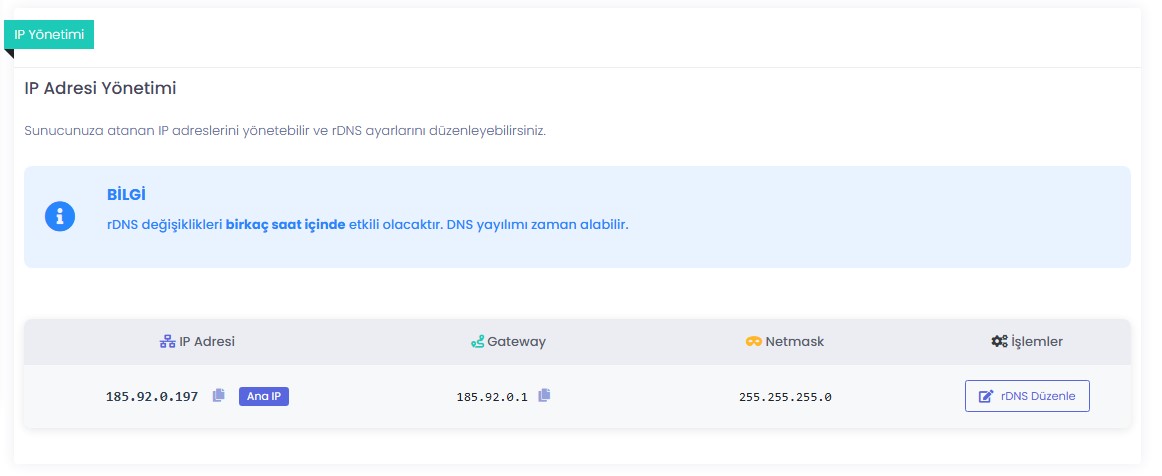
Plan for security and backup.
Update the operating system, limit access rights and turn on only necessary services. Prepare your backup and restore plan. If you are going to publish a website, configure the domain DNS records and HTTPS certificate.
Is your choice ready?
- The resource requirements of the software are clear.
- Turkey location and payment term are correct.
- Operating system and license fees were examined.
- VAT, renewal and additional services are checked.
- Management and backup responsibilities are clear.

Before you buy your first VDS.
What steps are followed to purchase VDS?
First determine the resource and operating system needs of your application. Compare Turkey location packages; Complete the order via İsim Kayıt by checking the period, license and additional services. After installation, prepare access, security and backup settings.
How many GB RAM should I choose for the first VDS?
A single amount of RAM is not suitable for all projects. The requirements of the software, concurrent transactions, database, and expected load should be evaluated together. Use the wizard suggestions as a starting guess; Verify actual need with measurements.
How do I decide between VDS and web hosting?
Hosting standard websites may require less system administration. If you want to install custom software or have control over the operating system, consider VDS options. Check management responsibility from service scope.
Are orders and payments completed via vds.tr?
vds.tr helps you compare packages and make a choice. Customer information, final configuration and payment transactions are completed on the official order screen of İsim Kayıt.
Is the monthly or annual selection transferred to the official order screen?
It should not be assumed that the period selected in this interface will be automatically applied on the official order screen. On the İsim Kayıt screen, double-check the product, payment period, licenses, and final total amount.
Are Windows and control panel licenses included in the price?
License scope may vary by product and option. Verify the additional cost of Windows Server, control panel, and other licenses on the official order screen.
Will my server be ready immediately after purchase?
Installation is started after payment and order confirmation. Availability time depends on operating system, inventory and approval processes. Follow the current status from the customer panel.
How do I make the first connection to the server?
When the server is ready, check the access information in the client panel. You can connect to Linux environments via SSH and to supported Windows environments via remote desktop. Determine the required client and authorization method by operating system.
Are backup and server management automatically included?
Backup, update and system management are not assumed to be automatically included in all packages. Verify service scope, fees, and responsibilities before ordering.